

Santa
The jolly man himself!
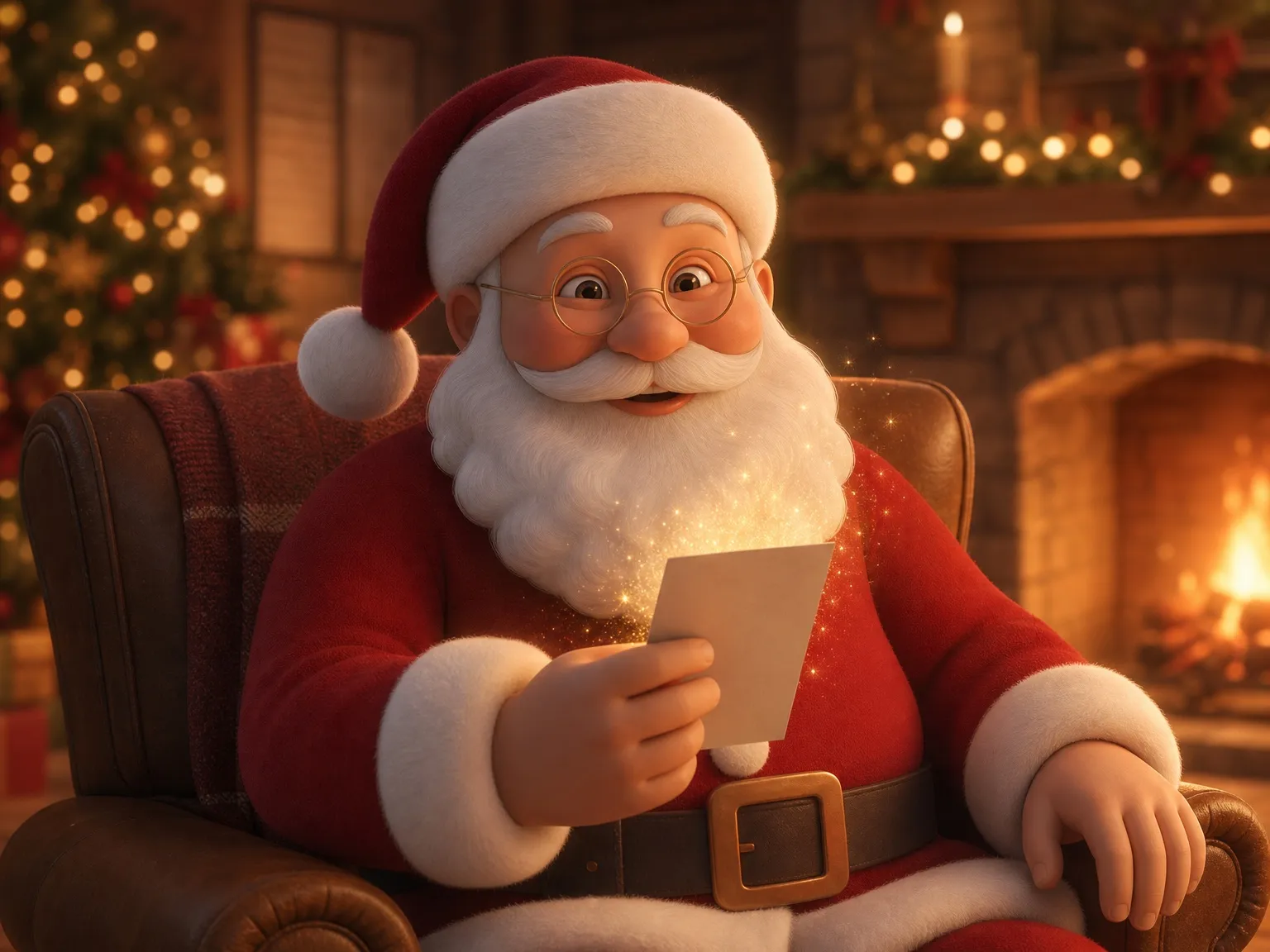
 Cozy Living Room
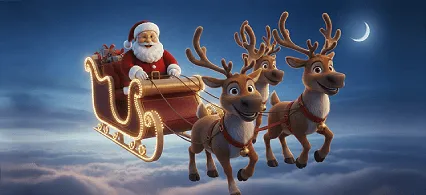 Sky Ride
 Rooftop Hang-Up
Choose who speaks and where, tell us about the child, read the script, then pay. Santa (or an Elf, Snowflake or Reindeer) says your child’s name and the things you wrote in a 10–15-second video, in one of 9 languages.
Santa Cards is an AI Santa video generator built for one job: a short, personal message for a child. You don’t write prompts, edit clips or record your own voice. You fill in a short form, and the AI writes the lines, voices them and animates the character.
You need: the child’s name and age, plus two or three things worth celebrating.
You pay: only after you have read the exact script, which is free to preview. You see the price before you pay.
You get: a portrait video (15 seconds in English or Spanish, 10 seconds in the other languages), usually within minutes, to watch, download and share.
Step 1
Santa is the classic. For a child who has had a Santa message before, a personalized Elf video, a gentle Snowflake or a Reindeer is a fresh surprise. Each one has its own personality, and the lines are written to match it.
 SantaThe jolly man himself!
 ReindeerSanta’s favorite helper
 ElfStraight from the workshop
 SnowflakeMagical frozen crystals
Step 2
Every character has three scenes to choose from. Then choose the camera: a close-up shows more of the face and lip-sync, a wide shot shows more of the scene and movement.
The jolly man himself!
Cozy Living RoomSky RideRooftop Hang-Up
Santa’s favorite helper
 Mountain Peak
 Spa Before the Sleigh
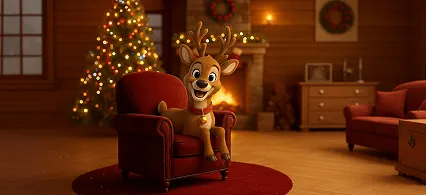 Cozy Living Room
Straight from the workshop
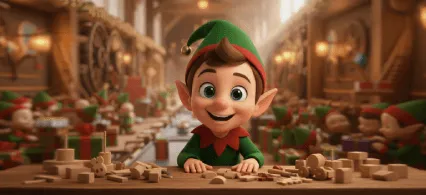 Toy Factory
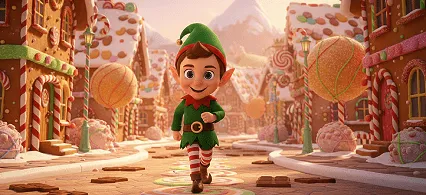 Candy Village
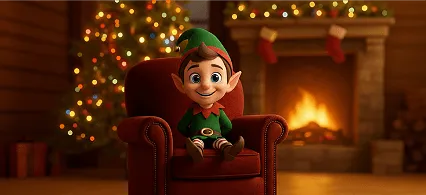 Cozy Living Room
Magical frozen crystals
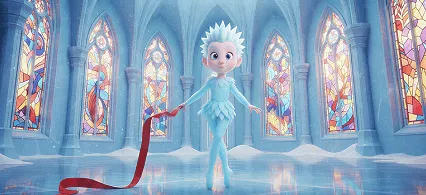 Ice Palace Ballroom
 Garden Bridge
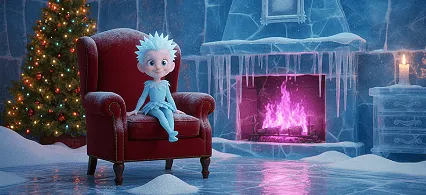 Frosty Living Room
Step 3
Enter the name and age exactly as you want them said, choose the video language (one of 9) and add an optional wishes hint of up to 500 characters in any language. The hint is not read out word for word: our AI uses it to write the character’s lines.
Who is it for?
Step 4
Our AI (Claude, by Anthropic) turns your hint into lines that fit the video length, in the character’s voice and the language you chose, and checks them for anything unsuitable for children. You see the exact words under “What Santa will say”, together with the character, scene, camera, name, age and language.
Why before you pay? Because the video follows this script exactly. It is your chance to catch a misspelled name, a wrong age or a nickname you don’t want (the AI may use a common one, like Anita for Ana in Spanish). Not happy? Go back, change the details and write a new script. Typos in an approved script can’t be fixed afterwards.
Check names and ages carefully. Your video will follow exactly this script.
What Santa will say
Ho ho ho, Leo! Six years old already! I hear you learned to swim this summer, and now you’re a big brother too. I’m so proud of you! Keep roaring like a dinosaur. Merry Christmas!Pay and create videoYou see the final price at checkout, before paying.Step 5
The video is bought in the Santa Cards app for iPhone and iPad, through the App Store, where you see the price before paying. Then the video is made: usually within minutes. The page updates by itself, and you can close it and come back later.
When it’s ready you can watch it, download the MP4, copy its share link or open your phone’s share sheet. Sign in to keep it in My gifts and see it in the iPhone app too; videos made as a guest are kept for 30 days.
Your video is ready!

From a short hint to Santa’s lines. We wrote this example for this page; it is not a customer’s order.
What you enter
What Santa will say
“Ho ho ho, Leo! Six years old already! I hear you learned to swim this summer, and now you’re a big brother too. I’m so proud of you! Keep roaring like a dinosaur. Merry Christmas!”
The real script for the same input may be worded differently: every script is written fresh by AI. That is exactly why you read it before paying.
Santa speaks 9 languages. You can type the hint in any language, and the script comes back in the video language you picked, translated for you: write in English for a grandchild who will hear Santa in Polish, or the other way round.
Every language is voiced by the AI model that speaks it most naturally. English and Spanish videos are 15 seconds. In German, French, Portuguese, Italian, Polish, Japanese and Korean we use a model chosen for its native-sounding pronunciation, and it makes 10-second videos. The price is the same.
The voice is generated by AI. Names, especially unusual ones, can occasionally be pronounced a little differently. Read the script, and if a name is easy to mishear, keep the rest of the message simple.
General AI video tools can create a Santa video too, but you write the prompt, find a Santa avatar, pick a voice and fix the result yourself, and many of them add a watermark on free plans. Our Santa video maker is narrower on purpose:
Wondering whether you can make a Santa video for free? Our honest guide to free Santa videos lists the free options and their trade-offs. To see finished videos first, visit the personalized video from Santa page.
Every video has its own page at santacards.app/v/…, which plays on any phone or computer without an app or an account. Paste the link into WhatsApp, iMessage, a text or an email, and the message shows a preview of the scene. Prefer to send the file itself? Download the MP4 and attach it, or play it on the TV on Christmas morning.
Sending it to grandkids who live far away? Our guide to Christmas gifts for grandchildren far away has more ideas, and the last-minute Christmas gifts for kids list helps when time is short.
Something wrong with the video itself? Use the video issue form within 7 days.
Yes. The lines are written by AI (Claude, by Anthropic), and the voice and animation are generated by AI video models for each order, so no two videos are the same. You don’t need any editing skills: you fill in a short form and read the script before paying.
Filling in the form takes a few minutes, and writing the script up to a minute. After payment the video is usually ready within minutes.
Yes. If the script isn’t right, go back, change the name, age or wishes hint and write a new one. Once you pay, the video is made from the script you approved and can’t be edited.
For now, yes: the video is made and bought in the Santa Cards app for iPhone and iPad.
Yes. Type the hint in any language. The character speaks the video language you choose, one of 9: English, Spanish, German, French, Portuguese, Italian, Polish, Japanese and Korean. The script shows you the exact words before you pay.
If the video has a critical technical fault, such as the wrong character or scene, or sound so out of sync that it can’t be watched, report it within 7 days with the video issue form and you get one free replacement.
Five steps, a script you approve, a video within minutes. Or first watch example Santa videos.

Available now in the Santa Cards app for iPhone and iPad. You see the price before you pay.